
Selling on Uber Eats and Deliveroo: requirements, sign-up and costs for your restaurant

By Tom Voisin, founder of Deliview Published 6 min read
No commitment.

To sell on Uber Eats or Deliveroo, you need a kitchen that meets the rules, an accepted application and a signed contract. Here are the requirements and the steps the two platforms publish in France, checked on 26 October 2026, and what they don’t say.
What are the requirements to sell on Uber Eats?
Uber Eats reviews each application against four criteria, published in its FAQ. Your business must be in an area served by the app. It must be an “approved business” (translated from French) that sells prepared meals or everyday products. It must not already be on the platform. Finally, your application must include a copy of your menu.
Uber warns: “we cannot work with every merchant who applies” (translated from French). And Uber Eats “isn’t limited to traditional restaurants” (translated from French). It accepts a brand created for delivery from your existing kitchen, and several brands in the same kitchen.
To sell on Uber Eats without a dining room, you still need an equipped kitchen.
How do you become a Deliveroo partner restaurant?
Deliveroo works with restaurants and food shops. Sign-up starts on its Partner Hub (“Portail Partenaire” in French): restaurant name, business email and password. You then provide your tax information, go through an identity check and pay a one-off joining fee.
A virtual brand requires Deliveroo’s permission, and a duplicate account is suspended, its rules for partners specify.
What French law requires of you, on both platforms
The Uber Eats contract and Deliveroo’s rules refer to the law. Your dishes must be prepared and stored according to hygiene rules, and your licences kept up to date. The platforms don’t list all these obligations, but they apply from your very first order.
- Declaration to the DDPP (the French local authority for food safety): it is required if you produce or sell food containing products of animal origin, according to Service Public, the French government’s information site. It is made with form Cerfa 13984.
- Hygiene training: at least one person on the team must have completed it (14 hours), the French Ministry of Agriculture points out for commercial catering.
- Allergens: the 14 regulated allergens must be shown, Deliveroo points out in its rules.
- Alcohol: the appropriate licence, which the Uber Eats contract makes you guarantee that you hold.
Which documents should you prepare?
Neither platform publishes the full list of documents required. Uber Eats asks for a copy of your menu. Its contract also cites “in particular the business licence” (translated from French), your tax identifiers, your VAT regime, your drinks licence and your bank details. Deliveroo cites your tax information, your bank details and an identity check, without saying which supporting documents it expects.
So prepare:
- your menu, with prices, descriptions and allergens
- your SIREN and SIRET numbers (the French company and site identifiers), your VAT number and your registered company name
- your bank details
- your drinks licence, if you sell alcohol
- your choice of delivery mode: their riders or yours
- photos of your dishes, if you don’t take the photo shoot on offer
Also keep your Kbis extract (the French company registration certificate) and your DDPP declaration to hand. For photos, follow our guide to dish photos for Uber Eats and Deliveroo.
The sign-up steps, platform by platform
On Uber Eats
- On the sign-up page, enter the name or address of your business, then choose “Lancez-vous” (get started).
- Fill in the application form, with a copy of your menu.
- Uber reviews the application against its criteria.
- If it is accepted, you sign your Order Form: it is the document that sets your fees.
Uber Eats talks of first orders “in just a few days” (translated from French). The time it takes depends on the number of locations you are signing up.
On Deliveroo
- Create your account on the Partner Hub: restaurant name, business email, password.
- Provide your tax information and choose who delivers: Deliveroo’s riders or yours.
- Go through the identity check and pay the joining fee.
- In the Hub, add your bank details, choose a photo package and accept the contract, which states your commission rate.
Deliveroo says it can help you get started “in just 7 days” (translated from French). According to an older help page, the tablet arrives in 1 to 3 working days.
How much does signing up cost?
Neither Uber Eats nor Deliveroo publishes the amount of its joining fees. Ask for it in writing before signing, along with what it covers.
- Uber Eats: “frais d’activation” (activation fees), paid once. They include a welcome kit, a tablet, software and a photo shoot with a professional. The template Order Form published by Uber also provides for subscription fees, due until the end of the contract.
- Deliveroo: one-off joining fees, paid after the identity check. The 25-photo package costs €119 incl. VAT.
From 25 March to 31 May 2026, Deliveroo waived its sign-up fees for new partners, with a tablet and 25 photos. It could charge back the cost, €200 at most, if the partner stopped within three months.
Your commission, for its part, is set in the contract. Our guides explain how to check it, for the Uber Eats commission and for the Deliveroo commission.
What equipment do you need?
One tablet per platform, or a computer. The Uber Eats tablet remains Uber’s property: lost, stolen, damaged (apart from normal wear and tear) or returned late, it costs you €150. Deliveroo provides a tablet with a built-in printer.
Without their tablet, the Uber Eats Orders app and Deliveroo’s Partner Hub open in Google Chrome, on a computer or a tablet. Avoid using a phone: Deliveroo warns that you risk missing orders on it. The settings for busy nights are in our guide on Uber Eats and Deliveroo tablets.
How do you get paid?
Every week, on both platforms. Uber Eats pays your takings by bank transfer, and you can switch to daily payouts. Deliveroo pays the previous week’s sales within two working days. Its invoice runs from Monday to Sunday, and can be downloaded as PDF or CSV for a year.
Uber Eats issues the invoice or receipt for each order in your name. Its contract gives you three days after they are issued to dispute them. After that, they are deemed accepted: check them from your very first orders. Your payment statements also detail each order: tax, subtotal, fees, adjustments and net amount paid out.
Before you sign: the checklist
- Check that the app delivers around your restaurant.
- Make your DDPP declaration and complete the hygiene training, if you haven’t already.
- Prepare your menu, with prices, allergens and photos.
- Ask in writing for the commission rate for each mode: their riders, yours, collection.
- Ask for the amount of the joining fee and the subscription, and what they cover.
- Choose the person who will handle the tablets during service.
Still hesitating between the two? Read our comparison Uber Eats or Deliveroo.
Once you are online, Deliview brings your Uber Eats and Deliveroo sales, prices, reviews and refunds together on one screen. See all its features.
Frequently asked questions
Do you need a Kbis to sell on Uber Eats?
Uber Eats doesn’t publish a full list of documents. Its contract cites “in particular the business licence” (translated from French), and Uber Eats Manager shows the documents to upload. Have your Kbis extract, or your registration notice from the Sirene directory (the French business register), ready from the application stage.
How long does it take to get online?
Uber Eats says you can take your first orders “in just a few days” (translated from French), depending on the number of locations. Deliveroo says it can get you started “in just 7 days” (translated from French). At Deliveroo, creating the menu usually takes a few days, according to its help page.
Can you sell on Deliveroo without a tablet?
Yes, with the Partner Hub open in a browser, on a tablet or a computer kept for orders. Deliveroo recommends Google Chrome, and advises against using a phone, on which you risk missing orders.
In Deliview
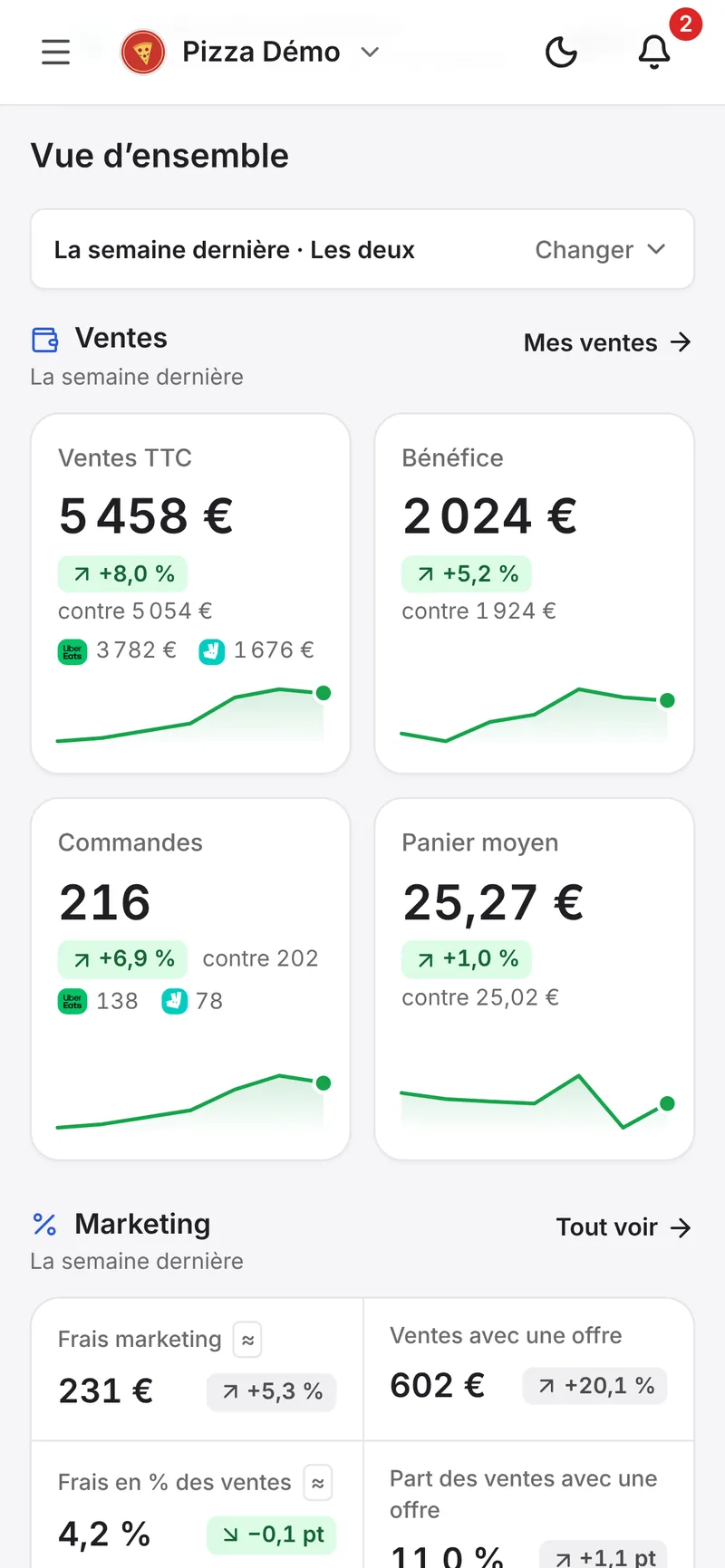
Your Uber Eats and Deliveroo data on one screen
Your sales, your prices against those in your area, your reviews and the refunds to dispute.
Sources
- Questions fréquentes, Uber, accessed 26 October 2026.
- Devenez partenaire Uber Eats, Uber, accessed 26 October 2026.
- Solutions de livraison pour les restaurants virtuels, Uber, accessed 26 October 2026.
- Conditions complémentaires Uber Eats pour les Partenaires, Uber, accessed 26 October 2026.
- Contrat de prestations de services d’Uber Eats – Bon de commande, Uber, accessed 26 October 2026.
- Gérez votre activité avec l’application Commandes Uber Eats, Uber, accessed 26 October 2026.
- Revenus et factures, Uber, accessed 26 October 2026.
- Start selling on Deliveroo, Deliveroo, accessed 26 October 2026.
- Join Deliveroo via our website - FR, Deliveroo, accessed 26 October 2026.
- Foire aux questions, Deliveroo, accessed 26 October 2026.
- Conditions générales, Deliveroo, accessed 26 October 2026.
- Politiques, Deliveroo, accessed 26 October 2026.
- Gérer les commandes en cours dans Portail Partenaire, Deliveroo, accessed 26 October 2026.
- Factures et paiements, Deliveroo, accessed 26 October 2026.
- Déclaration de manipulation de denrées alimentaires d’origine animale, Service Public Entreprendre, accessed 26 October 2026.
- Restauration : quelles obligations en matière de formation à l’hygiène des aliments ?, Ministère de l’Agriculture, accessed 26 October 2026.


