
Restaurant closed on Uber Eats or Deliveroo mid-service: why, and how to avoid it

By Tom Voisin, founder of Deliview Published 5 min read
No commitment.
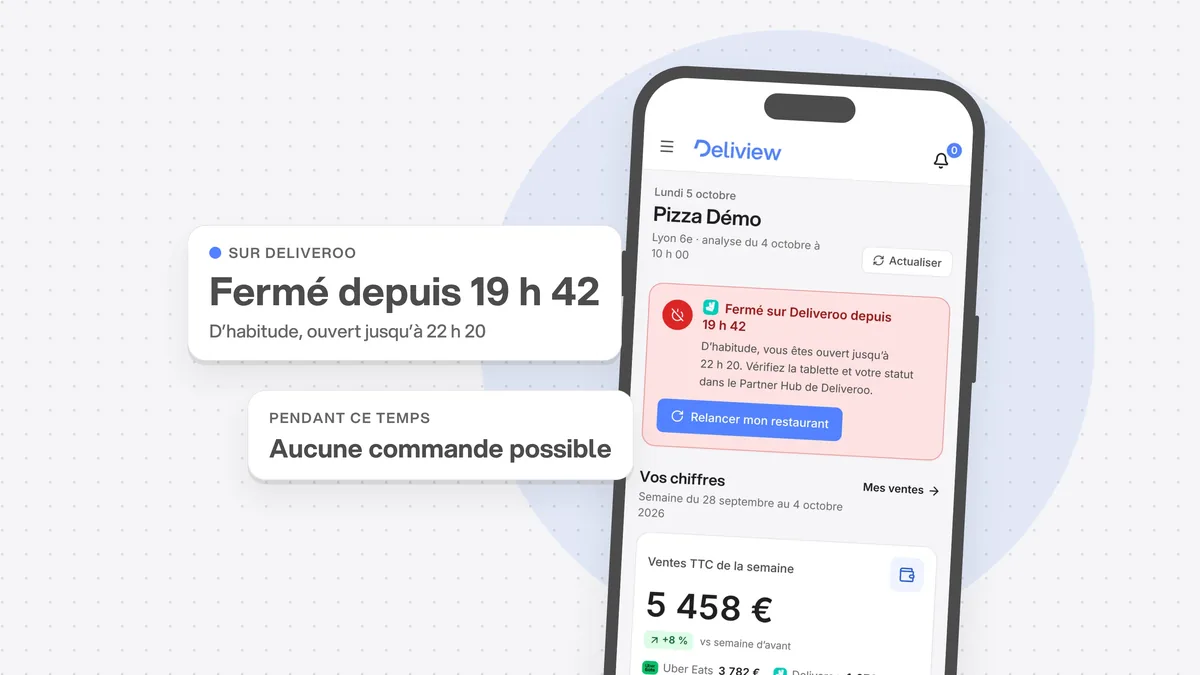
Your kitchen is running, but your listing shows “indisponible” (unavailable) and orders stop coming in. Most of the time, the cause is a setting or a platform rule, not a breakdown. Here are the ones Uber Eats and Deliveroo describe, as read on 6 October 2026, and the habits that keep you from losing a service.
Why does Uber Eats pause your orders on its own?
Because you have rejected several orders in a row, or you are taking longer than usual to accept them. Uber’s help page cites these two cases, without giving a number of rejections.
Your customers then see your restaurant as “actuellement indisponible” (currently unavailable). On the tablet, a red banner shows “Commandes interrompues” (orders paused). If you do nothing, orders resume on their own “the next day at 6:00 in the morning” (translated from French): the whole rest of the service is lost.
Uber can also suspend your restaurant itself. That happens when a courier reports it closed and nobody answers the phone: the pause then lasts for the rest of the day.
To reopen, tap “Commandes interrompues”, then “Ouvrir” (open), as the Orders app guide explains. The help page talks about “Reprendre” (resume), then “Confirmer” (confirm): the label changes depending on the version of the app.
Why does your restaurant stay closed on Deliveroo?
Because Deliveroo doesn’t open you by itself. Its rule is simple: “To receive orders, you will need to open your restaurant every day” (translated from French). You do it with “Ouvrir maintenant” (open now) in the Partner Hub or on the tablet.
- Forgetting to open: the tablet sends a reminder before the scheduled time, with two choices, “Prêt à ouvrir à l’heure prévue” (ready to open at the scheduled time) or “Rester fermé” (stay closed). Without an answer, Deliveroo specifies, your restaurant stays closed.
- Unanswered orders: Deliveroo auto-rejects an order after 10 minutes. Its technical documentation adds that a restaurant is closed after three auto-rejections in 15 minutes. Its help page for restaurants doesn’t mention this.
- One-off opening hours: a day marked “Fermé toute la journée” (closed all day) by mistake closes you until the next day. Only admin users can change these hours.
Deliveroo also offers auto-open. According to its English-language help page, it requires at least 95% availability.
How much does a closure mid-service cost you?
First the evening’s orders, then part of your visibility. The written rules of both platforms show it.
| Uber Eats | Deliveroo | |
|---|---|---|
| Ranking | Availability and acceptance rate are among its criteria | Staying closed during your opening hours can reduce your orders after you reopen |
| Order in progress | Uber can reduce your takings for an order not fulfilled | Closed less than 15 minutes after the pick-up time: no payment, and extra fees |
| If it happens again | Access to the app limited for a time, promotion and ad tools restricted if your score drops | No rule specific to closures in the pages read |
At Uber Eats, the page that explains ranking in France cites “availability” and “the experience of past orders”, such as “the order acceptance rate” (translated from French). The contract allows Uber to limit your access to the app to avoid unfulfilled orders. And its score policy tracks the “Taux de commandes non honorées” (unfulfilled order rate): a low score can restrict your promotion and ad tools.
At Deliveroo, the cancellation policy, in force since 9 October 2025, targets restaurants that close too early. The partner must stay open until 15 minutes after the order’s pick-up time. Otherwise, it is responsible: it isn’t paid for the order and pays fees equal to the service fees including VAT, and to the other applicable fees. Deliveroo also warns, in its English-language help page on restaurant status, that staying closed during your opening hours can reduce your orders after you reopen.
How do you keep the tablet online for the whole service?
Plugged in, on the app, with the sound on. Uber says it in one sentence: keep the tablet charged and the app open at all times “so that your restaurant is visible” (translated from French).
- Leave the app in the foreground, with no other app on top
- Check the network: some tablets don’t support 5 GHz Wi-Fi, Uber warns
- Set sleep mode to “Never” and the volume to at least 50%, as Deliveroo asks
- Allow the tablet to override Do Not Disturb mode, and let updates install on their own
- Keep a backup option: Uber Eats offers a web version of the Orders app
Our guide to Uber Eats and Deliveroo tablets mid-rush details the other settings for the station.
How do you know if you have been closed without realising it?
Look at the numbers the platforms already keep, then at your listing every service. Each platform measures your lost hours:
- Uber Eats Manager: the “Temps d’inactivité” (downtime), that is, the “time during which your restaurant was not available during opening hours” (translated from French).
- Deliveroo: in the Hub’s reports, the percentage of your actual opening hours compared with the scheduled hours, and the value of your rejected orders.
These numbers arrive after the fact. During service, the only reliable check is to look at your listing. Open Uber Eats and Deliveroo as a customer, with an address in your delivery area, ten minutes after opening. Your restaurant should show as open on both.
Where should you start this week?
Start with your opening hours, then the tablet.
- Reread your usual hours and your one-off hours on Uber Eats and on Deliveroo, up to the next public holidays.
- On Deliveroo, answer the opening reminder every day, or ask for auto-open if you are eligible.
- Keep the tablets permanently plugged in, and test the sound before each service.
- Note your downtime on Uber Eats and your opening rate on Deliveroo for last week.
- For two weeks, check your listing as a customer sees it at the start of every service.
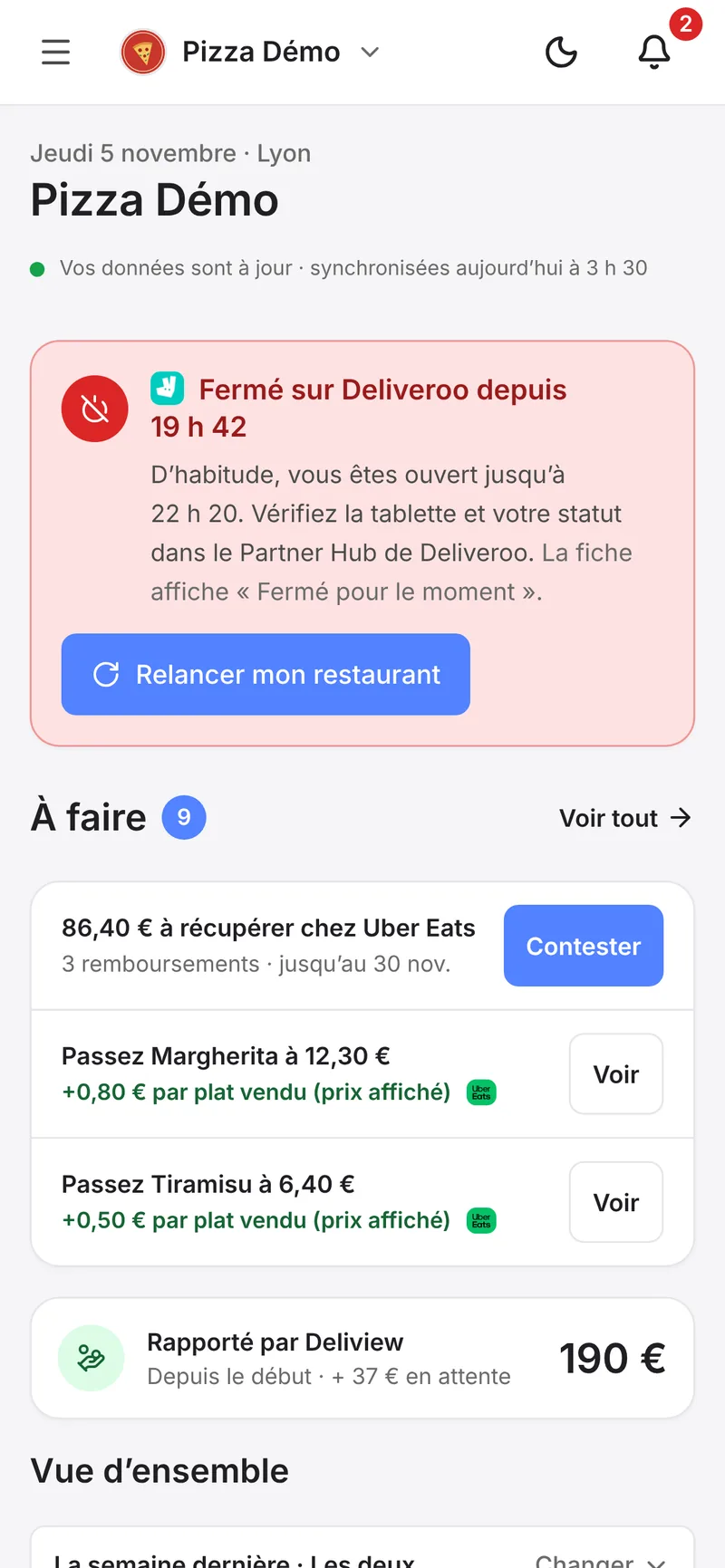
Deliview alerts you when your restaurant is closed on Uber Eats or Deliveroo during your usual service hours. See how the Closed mid-service alert works.
In Deliview
Closed mid-service? Deliview alerts you
A tablet switched off, a pause left on, and your restaurant disappears. Deliview checks it’s open every 10 minutes during your service hours.
Sources
- Pourquoi les commandes sont-elles suspendues automatiquement ?, Uber, accessed 6 October 2026.
- Quelles initiatives Uber Eats peut-il mettre en œuvre pour promouvoir la fiabilité des commandes ?, Uber, accessed 6 October 2026.
- Guide des commerçants : Utilisez l’application Commandes sur Uber Eats, Uber, accessed 6 October 2026.
- Premiers pas avec votre imprimante et votre tablette, Uber, accessed 6 October 2026.
- FAQ Uber Eats Manager, Uber, accessed 6 October 2026.
- How the Uber and Uber Eats Apps and Websites Work (version française, modifiée le 6 juillet 2026), Uber, accessed 6 October 2026.
- Conditions complémentaires Uber Eats pour les Partenaires (France, applicables depuis le 1er septembre 2026), Uber, accessed 6 October 2026.
- Politique de Score de Réussite Partenaire (1er décembre 2025), Uber, accessed 6 October 2026.
- Comment éviter de refuser des commandes ?, Deliveroo, accessed 6 October 2026.
- Gérer les commandes en cours dans Portail Partenaire, Deliveroo, accessed 6 October 2026.
- Comprendre la Notification de Rappel d’Ouverture, Deliveroo, accessed 6 October 2026.
- How can I start using auto-open, Deliveroo, accessed 6 October 2026.
- Effectuer des modifications ponctuelles de vos horaires d’ouverture, Deliveroo, accessed 6 October 2026.
- How to view and use Reports in Hub (excluding Deliveroo Express partners), Deliveroo, accessed 6 October 2026.
- Bulk open and close sites with Site Status, Deliveroo, accessed 6 October 2026.
- Site API : Overview (documentation technique), Deliveroo, accessed 6 October 2026.
- Politiques des partenaires : annulation des commandes, Deliveroo, accessed 6 October 2026.
- How to set up and troubleshoot your Deliveroo tablet, Deliveroo, accessed 6 October 2026.


